Need a copy of your Costco pay stub; maybe for a loan application, or just to double-check last week’s hours? For most Costco employees, that starts with one thing: the Costco employee login.
It sounds simple, but if you’ve never done it before, or it’s been a while since you logged in, it can take a couple of tries to get right.
Here’s exactly how to log in to the Costco employee portal and pull up your pay stub, step by step. Or you can get pay stubs by using the good paystub generator.
What Is the Costco Employee Portal (ESS)?
Most people just call it Costco ESS, short for Costco Employee Self-Service. You’ll also see it referred to as the ESS employee login paystub system, or just the Costco portal.
This portal is the online system Costco employees use for basically anything tied to their job that isn’t done in person. Operations such as checking pay stubs, updating direct deposit info, and looking at W2s around tax season can be done through this portal.
Once you’re logged into your Costco employee portal, you can usually:
- Consider the current and older Costco pay stubs
- See your year-to-date earnings and what’s been taken out for taxes
- Change your direct deposit or tax withholding details
- Grab your W2 when tax time rolls around
- Check benefits info and how much time off you’ve got left
Because there’s real financial data sitting behind it, the login is more locked down than your average website.
How to Complete the Costco Employee Login
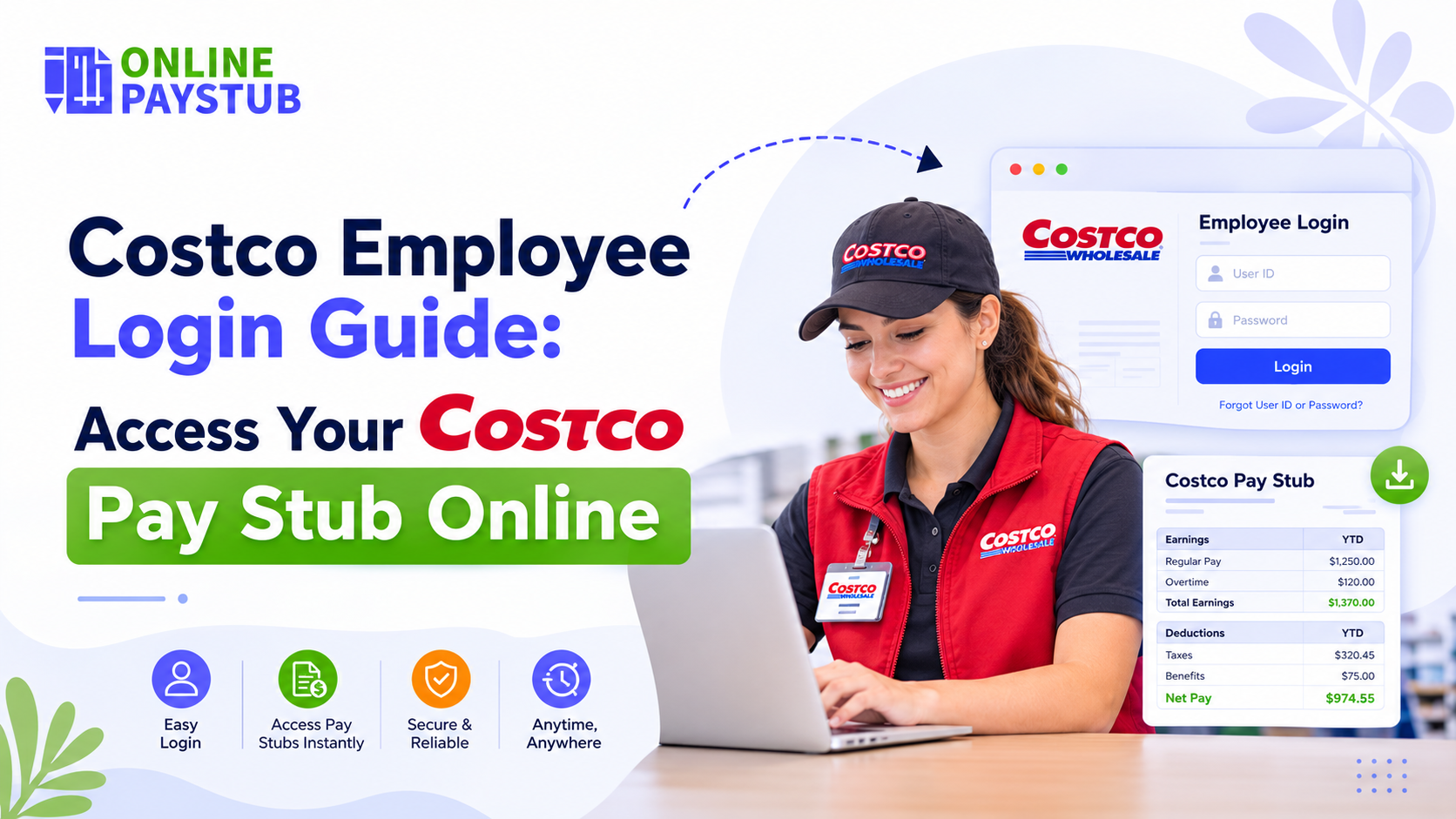
If you already have an account, doing a Costco employee login is quick.
Head to the ESS employee login page; Costco usually shares this link internally, or you’ll find it posted somewhere at your warehouse.
Type in your username or employee ID, or LAN ID, and then your password. Some logins will ask for a one-time code sent to your phone or email and that’s normal, not a glitch.
From there, you land on your dashboard, and payroll info is usually one click away.
First-Time Registration for ESS Employee Login
You’ll need to set up an ESS account before any of the above works. Check a few steps:
First, find the registration link, which is typically right next to the login page. You’ll enter your employee ID, the warehouse you work at, and your hire date. Then you pick a username (the system will tell you if it doesn’t meet the rules), verify your identity — usually with a code texted or emailed to you — and set a password.
Once that’s done, you’re basically registered and can log in like anyone else going forward.
Forgot Your Costco Employee Login Username or Password?
If you forgot credentials here are some ways. Both the login and registration pages have a “trouble signing in” link. Click that, confirm who you are (employee ID plus a verification code usually does it), and you can reset things yourself.
How to Find Your Costco Pay Stub and Paycheck Details
Once you’re in the portal, you can easily get your Costco paycheck stub.
You need to do a Costco employee login, then look for the Payroll or Earnings tab; every portal calls it something slightly different, but it’s usually one of those two.
You can check; pay stubs are listed by pay period, most recent at the top, so scroll down if you’re after something older.
Click into the one you need, and you’ll see the usual breakdown of a pay stub: gross pay, hours worked, taxes taken out, any other deductions, and what actually landed in your bank account.
Most people download this as a PDF if they need it for something official, like proving income for an apartment or a loan.
Note: Pay stubs tend to show up in the portal a day or two before payday itself, since Costco payroll runs on a biweekly cycle for both hourly and salaried staff.
Locked Out of the Costco Employee Portal? Here’s What to Do
Sometimes the portal’s down for maintenance, or you’ve switched phones and can’t get the verification code, or you are a former employee.
A few things you can try:
- Call or email the Costco HR office. They can usually resend a copy of your pay stub.
- Some employers route older pay stubs and W-2s through a separate payroll processor rather than the main employee portal.
If you just need something that looks right for documentation purposes and you can’t wait around for portal access, a pay stub generator like Online Paystub lets you build an accurate stub yourself.
Bottom line
The Costco employee login is really the fastest and easiest way to keep tabs on your pay, whether that’s double-checking a deduction or pulling something up for a lender.
Get Costco employee login recovery set up once, bookmark the right page, and you shouldn’t have to think about it much after that.
Disclaimer: This article is written for general informational purposes and isn’t affiliated with or endorsed by Costco Wholesale Corporation. For anything account-specific, your best bet is always your employer’s actual HR or payroll department.
FAQs:
1) How do I log into the Costco employee portal?
Go to the My Costco employee portal page, use your employee ID or LAN ID as your username, enter your password, and complete two-factor verification if it asks.
2) Where’s my pay stub once I’m logged in to the Costco employee portal?
You need to check the Payroll or Earnings section. Pick the pay period you want, and it’s right there.
3) Can I see stuff from months ago, not just the latest check?
Yeah, pay stubs are kept in order by date, so older ones are just a scroll away, not deleted after a certain point.
4) I forgot my password. Now what?
Use the “trouble signing in” link on the login page instead of calling anyone. It walks you through resetting it yourself.
5) Is there an app, or do I have to use a browser?
Depends on the setup, but a lot of employees just use ESS through their phone’s browser. Some companies also offer a dedicated app for schedules and pay info.
6) What if I can’t log in at all and need a pay stub right now?
Reach out to HR directly, or use an online pay stub generator to put together an accurate one yourself in the meantime.