Suppose you’ve ever worked the register at Home Depot or stocked shelves in the lumber aisle; you already know the company runs a pretty tight ship when it comes to payroll. What a lot of people don’t realize is just how much you can do yourself, without ever picking up the phone, once you know where to look.
Below is a practical walkthrough for both current and former associates. You can get your Home Depot pay stub & W2 easily by checking this guide. However, if you need to create your own pay stub for record-keeping, you can use a pay stub creator tool.
What Is Home Depot?
Home Depot operates thousands of North American home improvement retail locations, which are hypothetical for a very large force in whatever you see near the season over here. Well, running payroll and HR for that many people means the company is really counting on a self-service system, and where are your Home Depot associate pay stubs and W-2 stored?
How to Get a Home Depot Pay Stub?
From the steps, you can create your own MythDHR pay stub.
1. If You Currently Work at Home Depot
Use the MyTHDHR Self-Service Portal
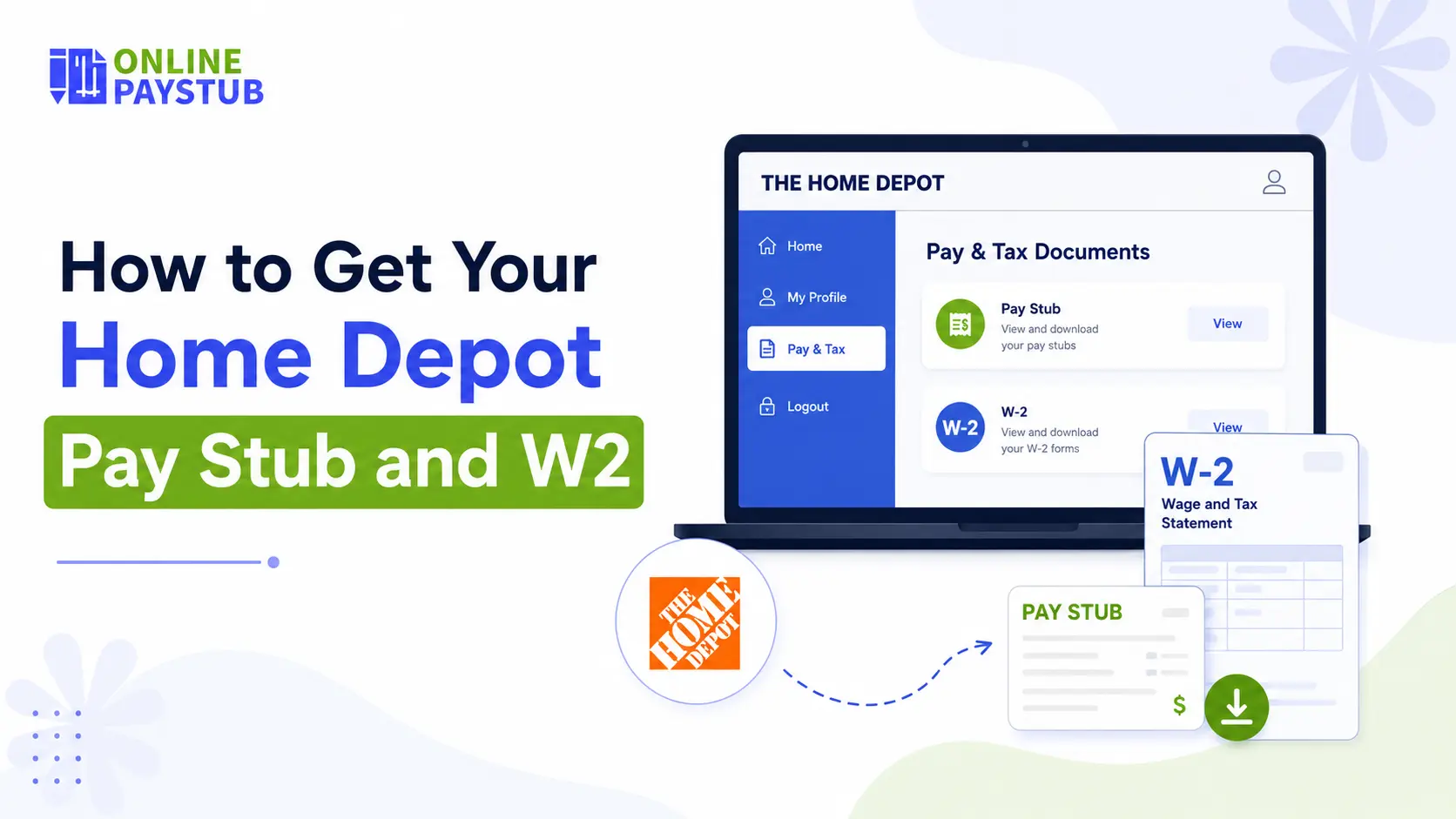
Your first stop should always be myTHDHR.com, Home Depot’s employee self-service hub, to get a Home Depot employee portal pay stub. It’s built to handle far more than just pay stubs. There are several sections, but the “Pay and Taxes” section is where you’ll find what you need.
Here’s the basic path:
- Go to myTHDHR.com
- Select “Current Associates,” then hit “Login”
- Enter your store number when prompted
- Log in with your user ID and password
- Head to the Pay and Taxes tab to view or download pay stubs and current W-2s
You can also use it to update your mailing address, adjust tax withholding and change direct deposit, and check your leave balance.
Still Stuck? Call HR
If that doesn’t work, you can try calling Home Depot’s HR support line: 1-866-698-4347. They can help to reset access or troubleshoot portal issues directly.
Prefer a Mailed Copy?
Existing staff can order tax forms to be sent through the post to their record address. This option is usually for tax forms, not regular pay stubs, so if you want a stub in particular, going through the portal remains your quickest avenue.
2. If You No Longer Work at Home Depot
Leaving the company doesn’t cut you off from your pay history; you may still need a Home Depot former employee pay stub.
Former Associate Login
The same myTHDHR portal serves former employees, just through a different verification path:
- Visit myTHDHR.com.
- Choose Former Associates and Associates on LOA, then log in to Home Depot payroll.
- You need to verify your identity; typically, your last name and the last four digits of your SSN.
- Enter the on-screen security phrase.
- Complete any additional verification steps, then sign in to view your stored pay stubs and tax documents.
Contact HR If Needed
Just like current employees, former associates can call HR for help logging in or to request that a W-2 be mailed to their current address.
New to Home Depot? Here’s How to Get Set Up
New associates do not need to register again in the self-applicant process. Once you are hired, you will get access information for MyApron (The Home Depot’s internal associate system). From there:
- Search for New Associates Info Centre
- Finish onboarding paperwork and set up direct deposit
- Edit your employee profile whenever needed
Your MyApron login is also your access to the MyApron Home Depot pay stub and tax document system, so you don’t have to register for anything new.
Forgot Your Password?
If you’re lock out and can’t log in to the portal.
- Go to the ESS homepage and click Forgot Password.
- Choose a recovery method: email, text, or an RSA token if you’ve registered one.
- Follow the prompts to reset your password
Final Thoughts
Whether you’re clocking in today or move on years ago, Home Depot’s self-service system is designed to give you direct access to your pay stubs and W2s without waiting on paperwork. If the portal ever gives you trouble, HR is just a phone call away. Moreover, you can directly generate your own pay stub or W-2 by using a pay stub generation tool or a W-2 generator.
Disclaimer: This guide is intended as general reference information and isn’t affiliated with or endorsed by Home Depot. Always confirm specific details with Home Depot HR or your official employee resources.
Frequently Asked Questions
1) How far back can I access my Home Depot pay stubs?
Most pay history is encode in the self-service portal for several years, but who has had access to how long can change. If anything older than what is indicate on your account was need, HR can generally obtain archived records.
2) Can I get my Home Depot W-2 if I’ve forgotten my store number?
Yes. You only need your store number for the sign-in step, not to actually fetch the doc. HR support can search it for you if you do not remember when they validated your identity.
3) What if my SSN or date of birth doesn’t match what’s on file as a former employee?
This is mainly because your personal information was update after your exit (legal name change) or there is a typo in company records. The simplest solution is to contact HR directly, as they can update your records and enable portal access.
4) Is there a deadline for former employees to access their W-2 online?
You can typically obtain former associate access from Places to Home Depot long after the traditional tax season, but waiting until something last-minute is never a good idea. HR can still send a copy via mail, even if your access has already expired.
5) Can I get a duplicate pay stub if I lost the original?
Yes, pay stubs access through the self-service portal is an official copy and will be accepted wherever an original would be; that includes when applying for a loan, signing an apartment lease, or storing them yourself.
Also Check:
How to Get an Instacart Pay Stub for Instacart Income Verification?
How to Get a Copy of W2 Fast Online? A Complete Guide
What Does OASDI Mean on Your Paycheck?
How to Get an Intuit Paystub From a Previous Employer?